Starting a Business
Businesses are how you set up production, services, and trade in SEED. Here's how to get one running.
Create a business account
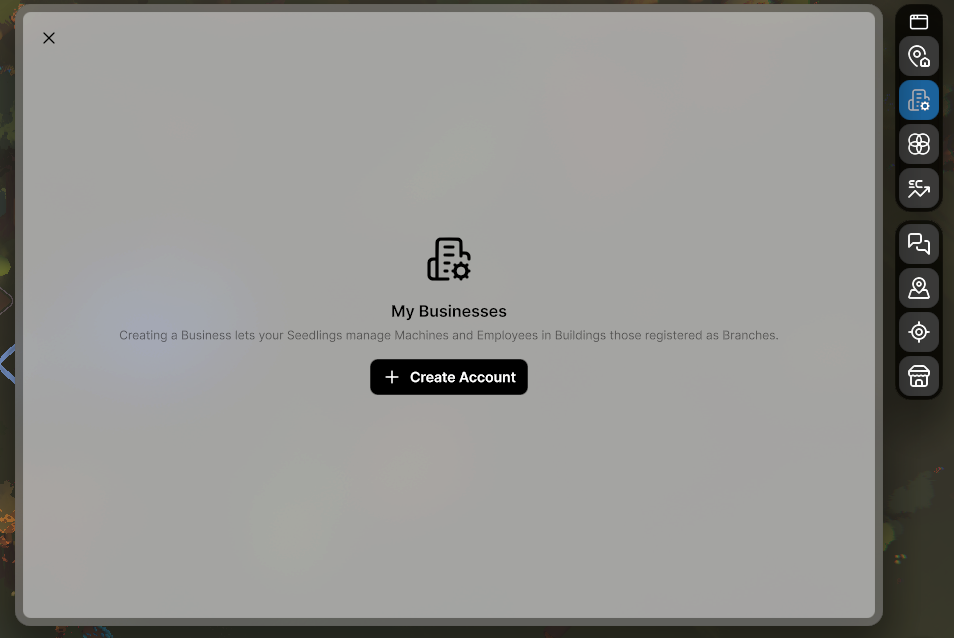
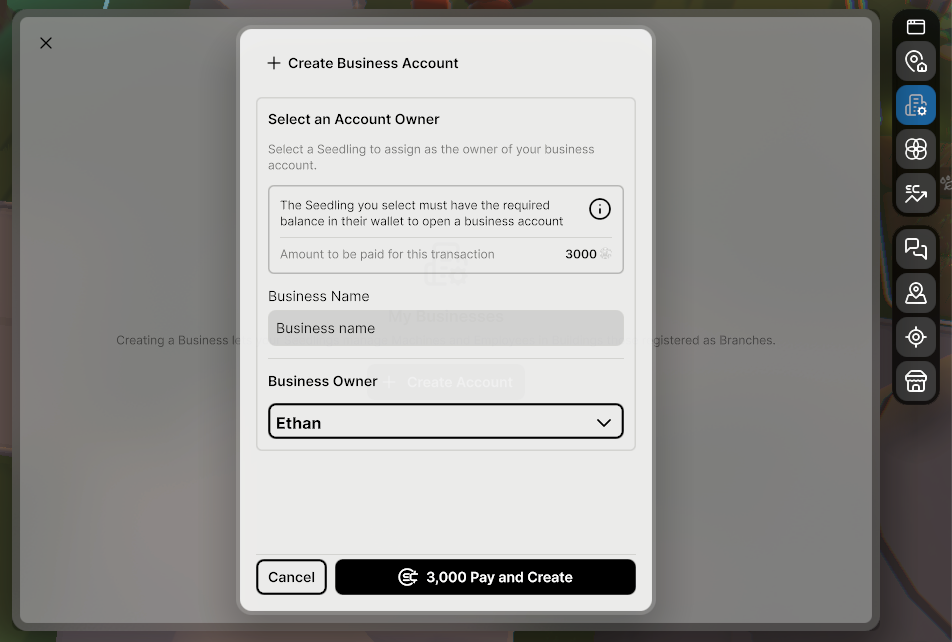
Open the Business Panel and create a business account. This gives you a dedicated business wallet separate from your Seedling's personal funds. Opening a business costs 3,000 SeedCoins.
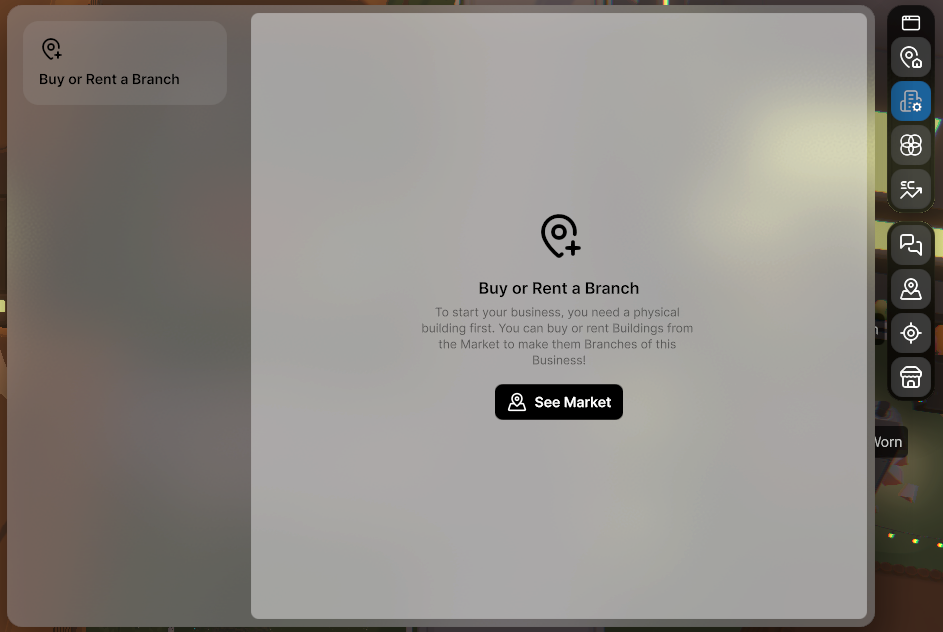
Acquire a business branch
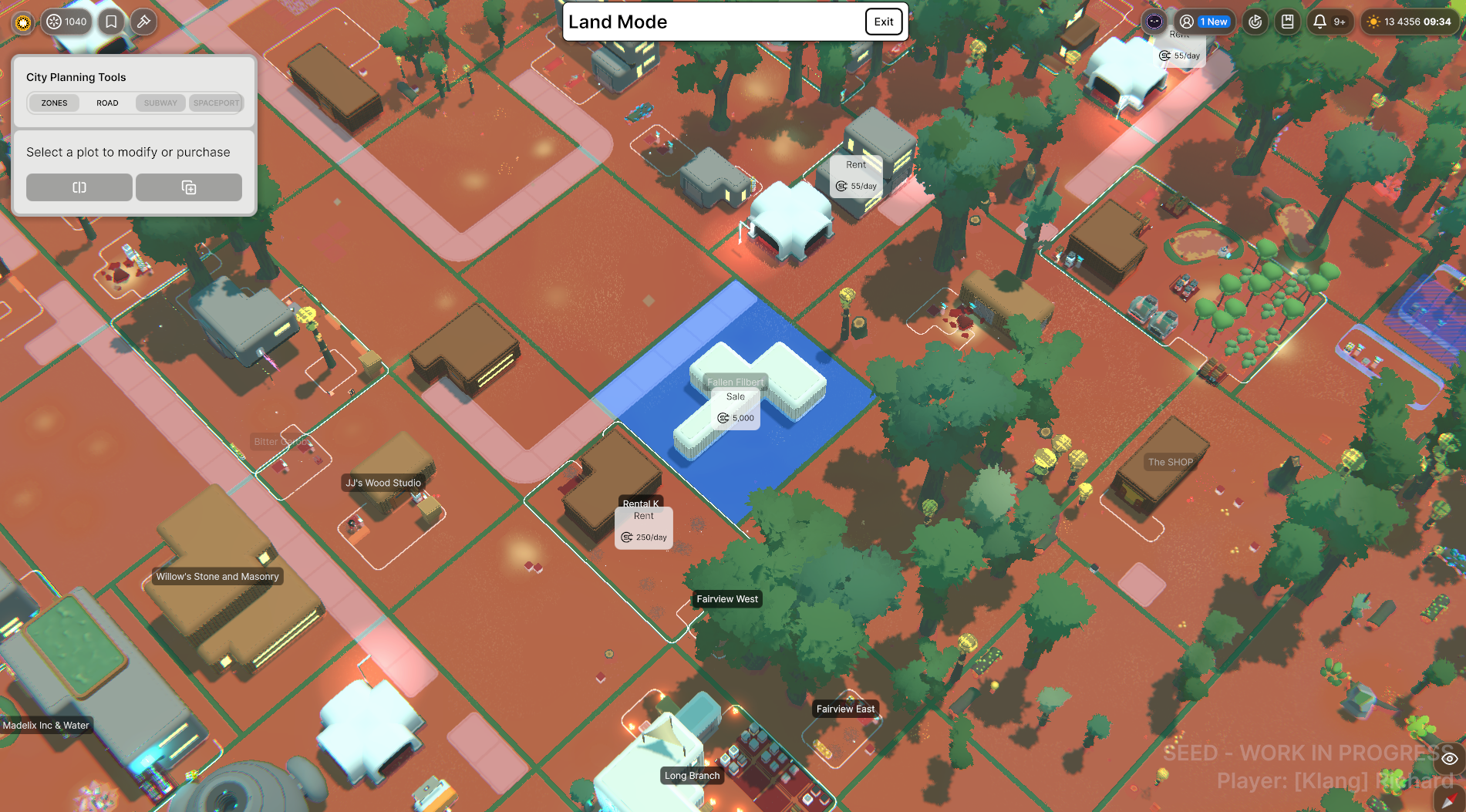
Your business needs a physical location. Use your business wallet to purchase a plot or building from the Real Estate Market — this makes it a Business Branch automatically. Or, if your Seedling already owns a building, reassign ownership to your business from the Properties Panel.
In an Anarchy society, you can build on a society-owned plot and then transfer ownership to your business.
Set up your branch
Once you have a Branch, you have access to the full business toolkit:
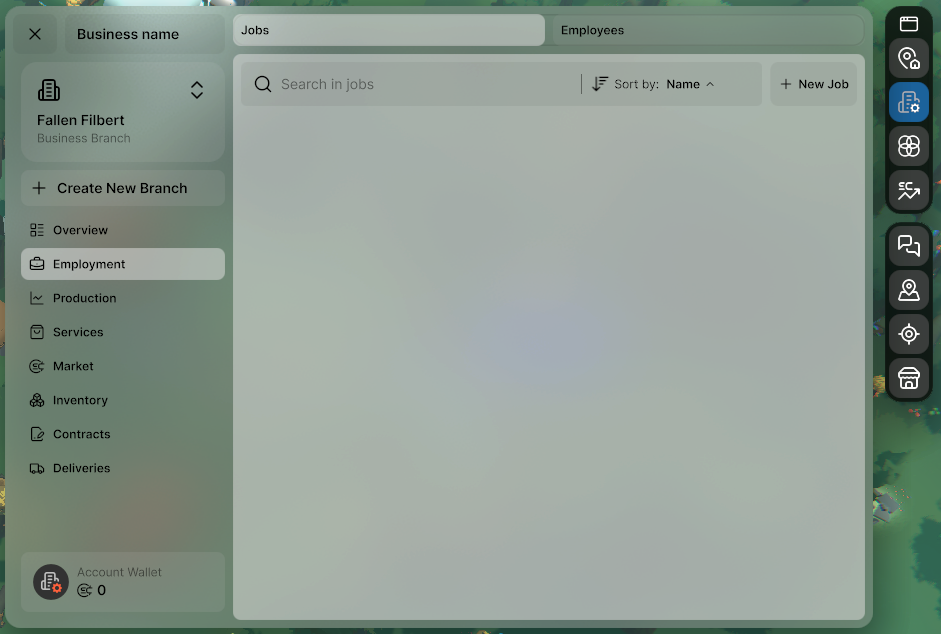
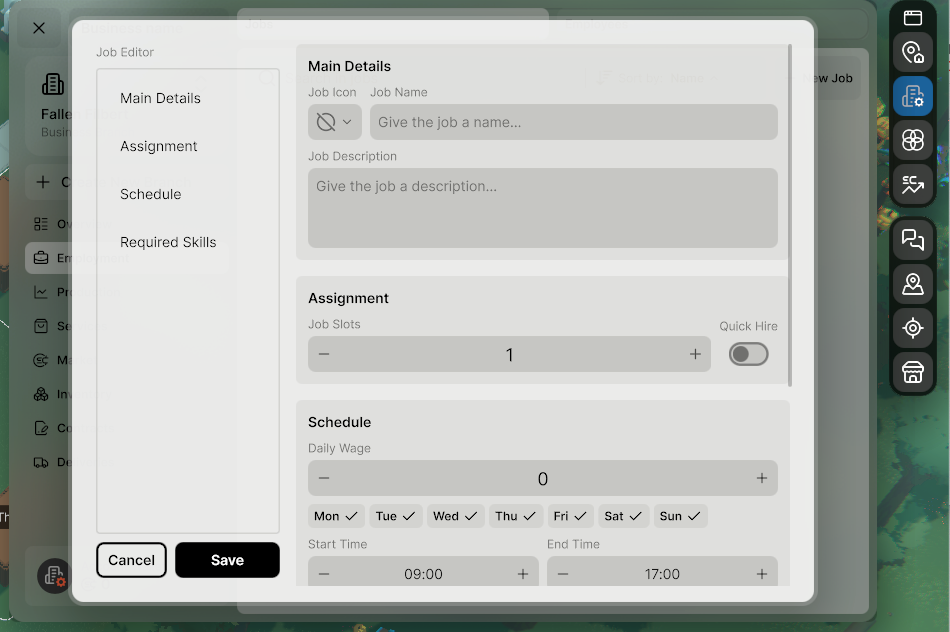
Employment — create job listings with set hours, wages, and task priorities so hired Seedlings know exactly what to do
Production — set up machines and create production tasks for your employees to work through
Services — open your branch as a service location (e.g. a kitchen) that other Seedlings can visit to meet their needs
Market — list items for sale directly from your Business Panel inventory
Hire your first employee
Place the machines your business needs, stock the inbox with materials, and create a job listing in the Employment tab. Set clear task priorities — if the highest priority task isn't possible (missing materials, machine off), employees move on to the next one.
Early on you may not have the materials to fill a large run, or enough storage for the output. Set a lower limit when you create the task, or use "do until X are in storage" so the machine stops when you've hit what you actually need.
Tip: Start simple — one Seedling, one machine, one product. Get that loop working before you scale up.