Password protecting your society
Password protection allows society founders to control membership and operate safely in government types like Anarchy, ensuring only trusted players can join and make changes.
Why Use Password Protection
- Controlled membership: Play with your chosen group of friends without unexpected new members
- Safe governance testing: Experiment with open government types like Anarchy without security concerns
- Private communities: Create invitation-only societies for specific groups or purposes
Setting Up Password Protection
You can password protect your society in two ways:
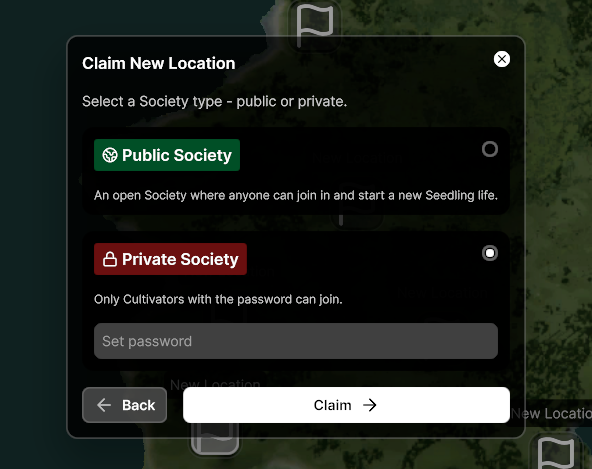
When Claiming a New Society
- Use your Kernel to claim a new society
- Select "Password Protected" instead of "Open Society" during setup
- Set your chosen password
- Share the password with friends you want to invite
For Existing Societies
- Open the Management App from your mobile device
- Select "Society Overview"
- Click "Edit Details" (next to the society name)
- Set or change the password

Sharing Access
Remember to share your password securely with friends you'd like to join. Anyone with the password can enter your society, so only share it with trusted players.
Was this helpful?