Building Your First Structure
Once your society reaches Camp tier, you can construct your first proper building. Here's how it works.
Buy or Claim a Plot
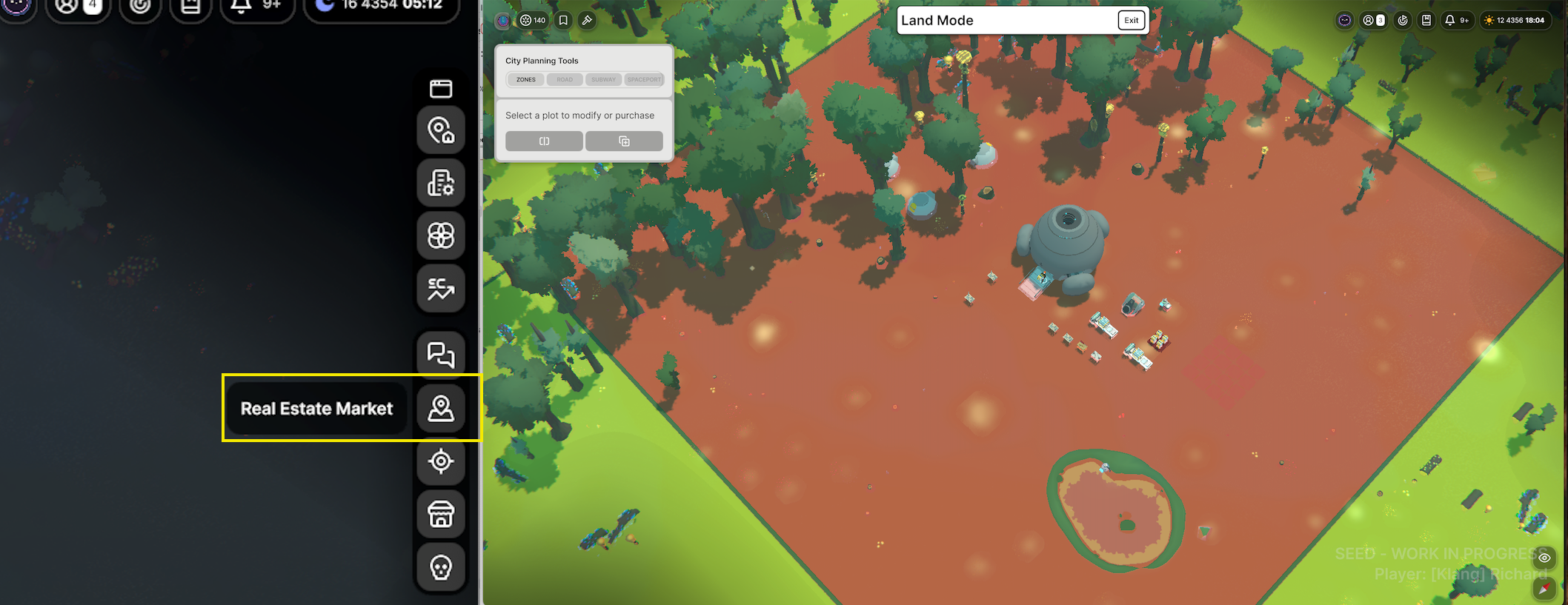
Open the Real Estate Market (the building icon on the right-hand sidebar) to see available plots. In an Anarchy society, everyone shares a single large plot by default — you can split off your own piece using the split tool in the Real Estate Market.
Design Your Building
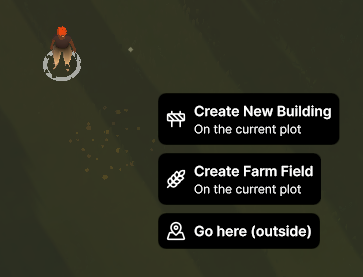
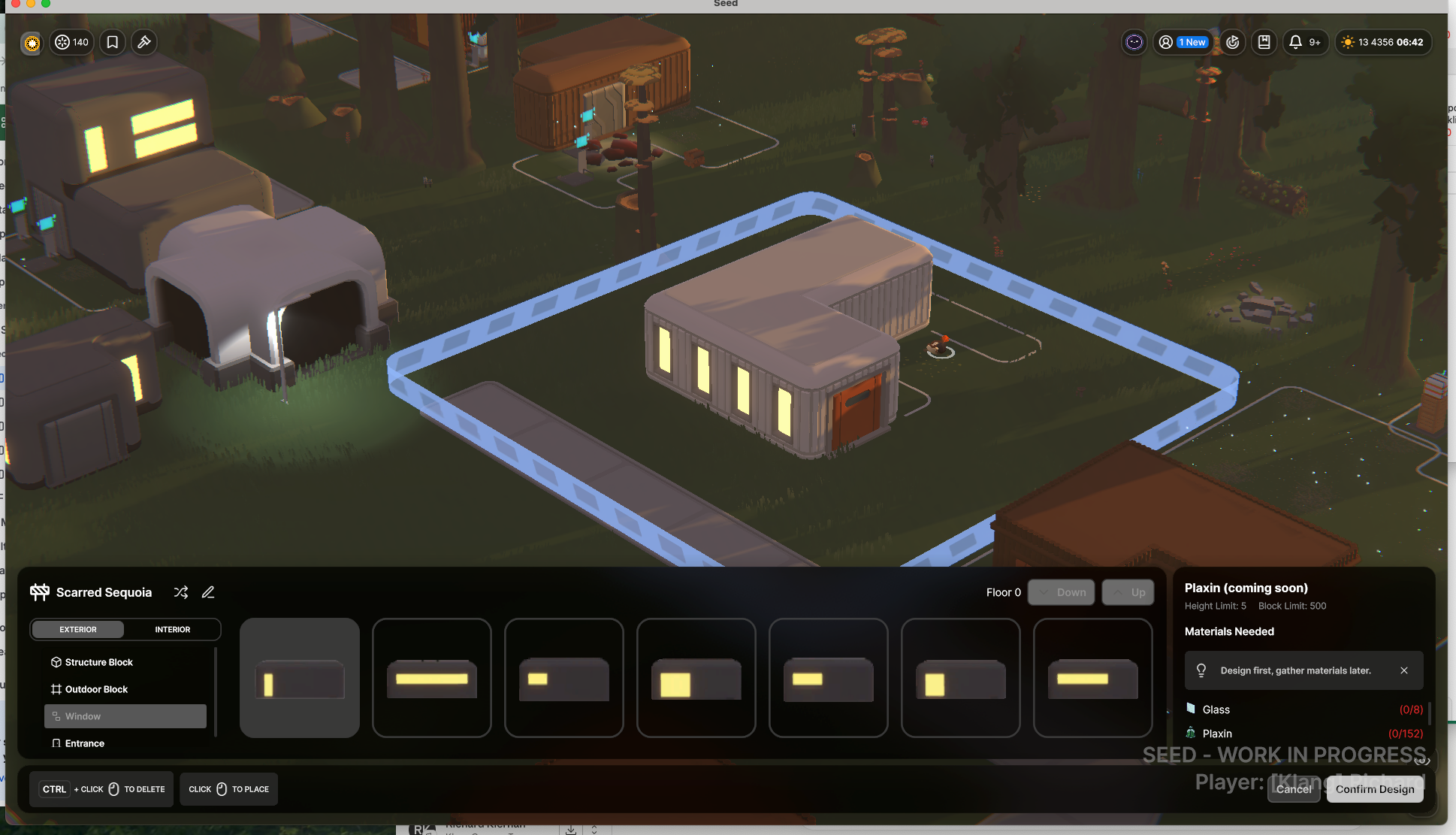
Click on your plot and select Build Mode. From here you can place walls, floors, doors, and windows. A few things to keep in mind:
Every floor above ground level needs an elevator connecting it to the floor below
Your building must have at least one main entrance to be accessible to Seedlings
You'll see notifications in the top-right confirming when your design is valid
When you're happy, click Confirm Building Design. A blue hologram will appear — this is your blueprint awaiting construction.
Gather the Materials
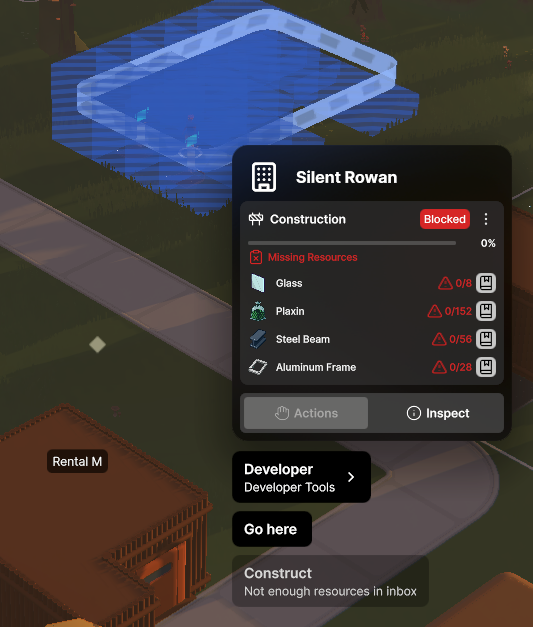
The inspector panel will show exactly which materials your building needs. Deliver them to the building's Inbox — either buy them from the Marketplace or move them from another storage container.
Send Your Seedling to Build
Use Direct Control to assign your Seedling to the construction task, or set Construct as a Scheduler priority. Buildings under construction show a blue ring — click it to check progress and see if any materials are missing.
Once It's Built
If it's a home, assign your Seedling as a Resident so they know to sleep and return there. If it's a business, you'll need to set up employment and services separately — see the Starting a Business guide.